

Best PC Builds for AI Development & Local LLMs in 2026
Artificial Intelligence is no longer limited to large cloud providers and enterprise data centers. Today, developers, researchers, content creators, and businesses are increasingly running AI workloads locally on powerful workstation PCs.
From experimenting with Large Language Models (LLMs) to AI-assisted content creation, machine learning projects, automation workflows, and generative AI applications, having the right workstation can dramatically improve productivity while reducing reliance on cloud services.
If you're looking for the best PC build for AI development and local LLMs in 2026, understanding the importance of CPU performance, GPU acceleration, memory capacity, and storage speed is essential.
In this guide, we'll explore what makes a great AI workstation and why Vektra's professional workstation solutions are an excellent foundation for creators, developers, and professionals embracing AI-powered workflows.
Why More Professionals Are Running AI Locally
Cloud-based AI services are powerful, but local AI development offers several advantages:
-
Better privacy and data control
-
No recurring cloud usage fees
-
Faster iteration during development
-
Offline accessibility
-
Greater flexibility for experimentation
Modern local AI workloads include:
-
Running open-source LLMs
-
AI-assisted coding
-
Content generation
-
AI image workflows
-
Automation projects
-
Machine learning experimentation
-
AI-powered creative applications
As AI models continue to become more efficient, local workstations are becoming increasingly capable of handling professional AI workloads.
What Makes a Good AI Development Workstation?
Building a workstation for AI development requires balancing several key components.
Powerful Multi-Core CPU
AI workflows often involve:
-
Data preprocessing
-
Simulations
-
Compilation tasks
-
Background services
-
Multi-application workflows
A modern high-core-count processor helps maintain responsiveness while handling demanding workloads.
GPU Acceleration
The GPU is often the most important component for AI workloads.
Tasks that benefit from GPU acceleration include:
-
Local LLM inference
-
AI image generation
-
Machine learning workloads
-
Generative AI tools
-
GPU-accelerated rendering
More VRAM generally allows larger models and more complex workloads to run efficiently.
High-Speed Memory
AI workflows frequently involve large datasets and multiple applications running simultaneously.
32GB RAM has become a practical starting point for many professional users, while larger projects may benefit from additional capacity.
Fast NVMe Storage
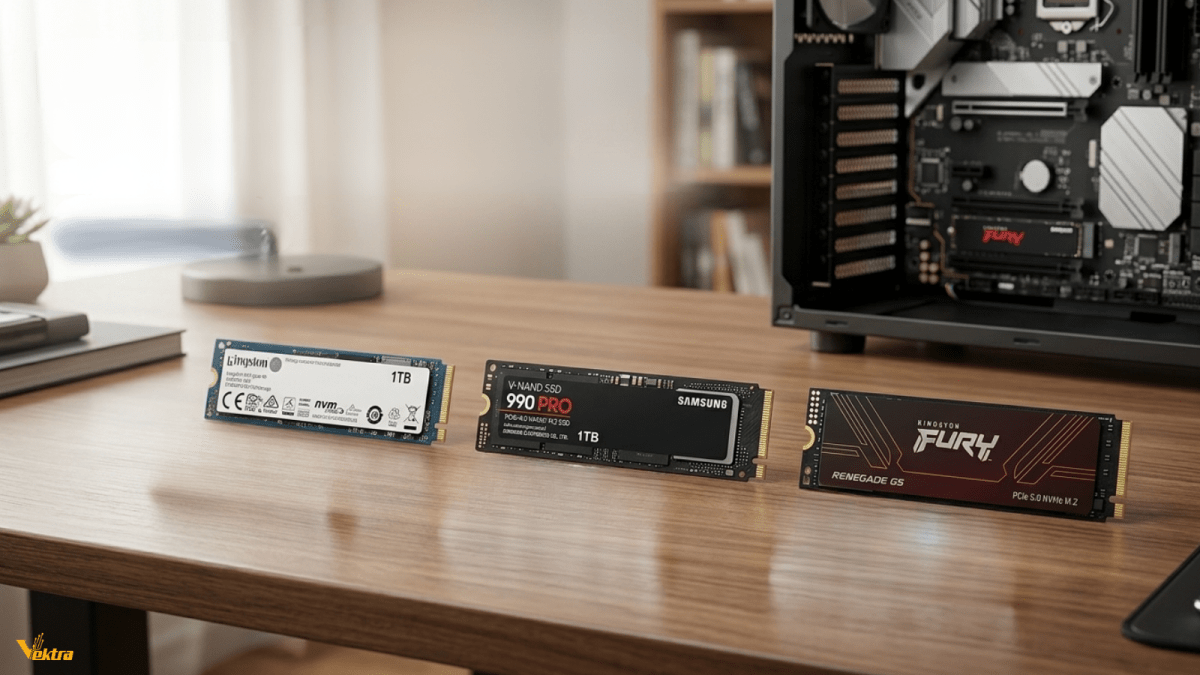
Large models, datasets, and project files load significantly faster on modern PCIe Gen4 NVMe SSDs.
Fast storage helps reduce bottlenecks and keeps workflows moving smoothly.
Recommended AI Workstation from Vektra
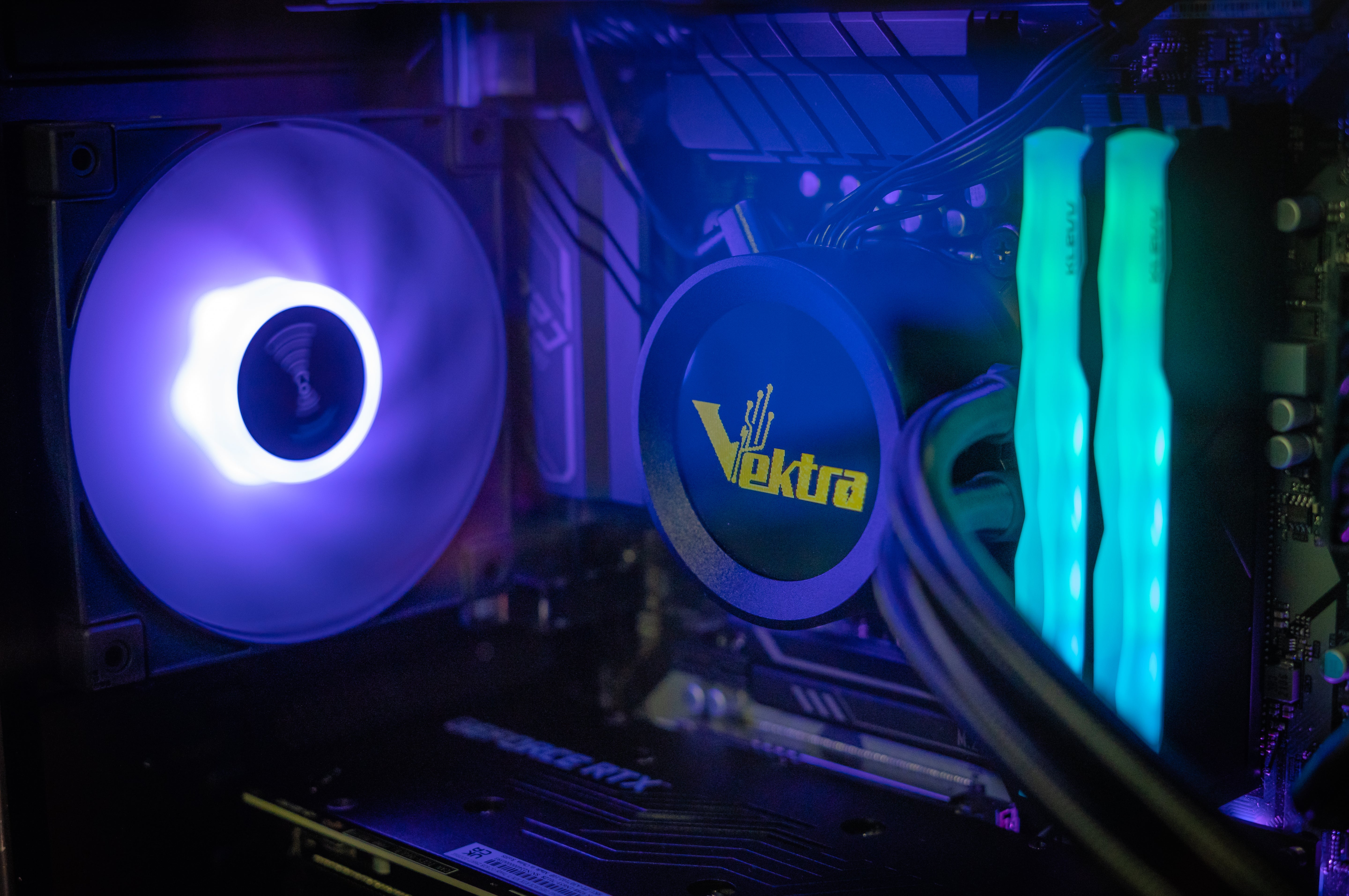
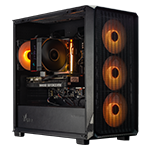
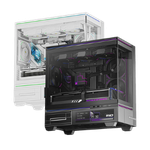
While originally designed for animation, rendering, and real-time content creation, the Vektra 3D Animation & Rendering Workstation offers an excellent hardware foundation for AI-assisted workflows and local development environments.
View the workstation here:
https://www.vektrapc.com/products/3d-animation-rendering-workstation-for-maya-blender-unity
Workstation Specifications
CPU
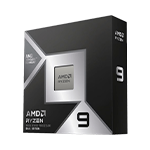
Intel Core Ultra 7 265KF
-
20 Cores
-
20 Threads
Modern AI workflows often involve multiple applications running simultaneously.
The Intel Core Ultra 7 265KF provides strong multi-core performance for:
-
Development environments
-
AI-assisted coding
-
Content creation workflows
-
Data processing
-
Rendering and simulation tasks
Its high core count makes it ideal for professionals who need responsiveness across diverse workloads.
GPU
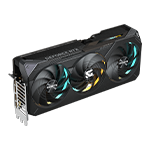
Inno3D GeForce RTX 5070 Ti 16GB X3
The RTX 5070 Ti is the heart of this workstation.
Benefits include:
-
16GB VRAM capacity
-
AI acceleration support
-
GPU-accelerated creative workflows
-
Strong performance for local AI applications
-
Excellent rendering performance
Whether you're experimenting with local AI models, using AI-assisted creative tools, or accelerating professional applications, the RTX 5070 Ti delivers the computational power modern workflows demand.
Motherboard
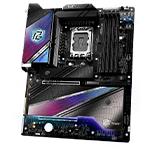
ASRock Z890 Pro RS WiFi
A workstation-grade platform featuring:
-
DDR5 support
-
WiFi connectivity
-
Future upgrade flexibility
-
Reliable power delivery
A quality motherboard is critical for long-term stability, especially when running sustained workloads.
Memory
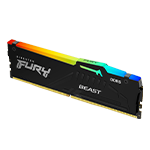
32GB Kingston DDR5 6000MT/s CL36 (16GB x2)
Dual-channel DDR5 memory helps maintain smooth multitasking across:
-
Development tools
-
Creative software
-
AI applications
-
Productivity workflows
For many creators and developers, 32GB represents the ideal balance between performance and value.
Storage
1TB Kingston NV3 PCIe 4.0 NVMe SSD
Fast storage is essential when working with:
-
Large datasets
-
AI models
-
Project assets
-
Creative content
The PCIe Gen4 NVMe SSD helps improve responsiveness throughout the workflow.
Beyond AI: A Complete Professional Workstation
One of the biggest advantages of this workstation is its versatility.
In addition to AI development, it excels in:
3D Animation
-
Autodesk Maya
-
Blender
-
Cinema 4D
Real-Time Development
-
Unity
-
Unreal Engine
Content Creation
-
Adobe Photoshop
-
Adobe Illustrator
-
Premiere Pro
Professional Productivity
-
Software development
-
Engineering workflows
-
Business applications
This makes it an ideal investment for professionals whose workloads span multiple disciplines.
Why Choose a Vektra Workstation?
At Vektra, workstation systems are built around real-world professional workloads rather than simply maximizing benchmark numbers.
Benefits include:
-
Carefully balanced hardware configurations
-
Professional-grade components
-
DDR5 memory platforms
-
High-speed NVMe storage
-
Reliable cooling solutions
-
Windows 11 Professional included
-
Future upgrade flexibility
Whether you're developing AI applications, creating digital content, building game assets, or managing professional projects, Vektra workstations are designed to deliver consistent performance.
Explore more professional workstation solutions:
https://www.vektrapc.com/collections/professional-workstations
Final Thoughts
The best AI workstation in 2026 is not simply the one with the biggest specifications—it's the one that balances CPU performance, GPU acceleration, memory capacity, storage speed, and reliability.
For developers, creators, and professionals looking to explore local AI development, run LLMs, accelerate creative workflows, and maintain productivity across demanding applications, a workstation built around modern hardware is essential.
The Vektra 3D Animation & Rendering Workstation combines a powerful Intel Core Ultra processor, NVIDIA GeForce RTX 5070 Ti graphics, DDR5 memory, and high-speed storage to provide a versatile platform for both AI-powered workflows and professional content creation.