



What Can an RTX 5080 Actually Run at 4K? Games, FPS & Settings Explained

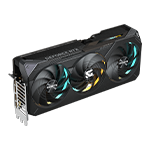
If you are looking for a graphics card for 4K gaming, the NVIDIA GeForce RTX 5080 is one of the GPUs worth considering. With 16GB of GDDR7 memory, Blackwell architecture, advanced ray tracing, and support for DLSS 4, the RTX 5080 is designed for demanding games at high resolutions.
But what can an RTX 5080 actually run at 4K?
The answer depends on the game, graphics settings, ray tracing, CPU, and whether technologies such as DLSS and Frame Generation are enabled. Here is what to expect when building an RTX 5080 gaming PC.
Is the RTX 5080 Good for 4K Gaming?
Yes. The RTX 5080 is built for high-resolution gaming and is particularly suited to 4K gaming at high graphics settings.
At native 4K, the GPU has to render significantly more pixels than at 1440p. That makes GPU performance especially important, particularly in graphically demanding games.
The RTX 5080's combination of GPU performance, 16GB GDDR7 memory, and modern NVIDIA technologies makes it capable of handling a wide range of modern games at 4K.
However, there is no single "RTX 5080 FPS" number. Performance can vary considerably from one game to another.
What FPS Can You Expect at 4K?
Your actual frame rate depends on the title and settings, so it is better to think in performance categories rather than expecting one universal FPS figure.
Competitive Games
Games such as Counter-Strike 2, Valorant, Fortnite, and Overwatch 2 are generally much easier to run than graphically intensive single-player titles.
With an RTX 5080, these games can be excellent choices for high-refresh-rate gaming. Depending on the game and CPU, you can target very high frame rates while playing at 4K.
For competitive gaming, your CPU can become increasingly important when targeting extremely high FPS.
Modern AAA Games
Demanding AAA games such as Cyberpunk 2077, Black Myth: Wukong, Alan Wake 2, and other visually intensive titles place a much heavier workload on the GPU.
At 4K, the RTX 5080 can provide a strong experience at high or ultra settings, but demanding ray tracing settings can significantly increase the rendering workload.
This is where DLSS becomes particularly useful.
What About Ray Tracing at 4K?
Ray tracing can dramatically improve lighting, reflections, shadows, and other visual effects, but it also requires substantial GPU performance.
With the RTX 5080, you can enable advanced ray tracing in supported games, but native 4K with every ray tracing option pushed to maximum can still be demanding.
Instead of simply lowering image quality, many RTX 5080 systems can use NVIDIA's DLSS technology to increase performance while maintaining high image quality.
DLSS 4 and Frame Generation
One of the biggest advantages of an RTX 5080 is access to NVIDIA's newer AI-powered technologies.
DLSS can render a game at a lower internal resolution and use AI reconstruction to produce a higher-resolution output. This can help increase frame rates while maintaining strong image quality.
Supported games can also take advantage of Multi Frame Generation, which can generate additional frames using AI.
This means an RTX 5080 gaming PC can potentially deliver a much smoother experience in supported games, particularly when native rendering becomes demanding.
It is important to distinguish between traditional rendered frames and generated frames when comparing performance. Frame Generation can improve perceived smoothness and responsiveness characteristics vary by game and configuration.
RTX 5080: Recommended 4K Settings
For most modern AAA games, a sensible starting point is:
-
Resolution: 3840 × 2160 (4K)
-
Preset: High or Ultra
-
Ray Tracing: High where desired
-
DLSS: Quality or Balanced depending on the game
-
Frame Generation: Enable where supported and appropriate
-
Texture Quality: High/Ultra depending on VRAM requirements
-
V-Sync: Based on your monitor and preferred setup
You can then adjust individual settings rather than immediately dropping the entire graphics preset.
For example, reducing extremely demanding ray tracing effects can sometimes provide a significant performance improvement while keeping most of the game's visual quality intact.
What CPU Should You Pair With an RTX 5080?
A powerful GPU deserves a capable CPU, especially if you want high FPS or play CPU-heavy games.
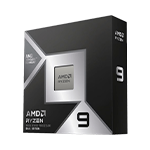
The AMD Ryzen 7 9800X3D is an excellent example of a gaming-focused processor to pair with a high-end GPU. Its large cache configuration is particularly relevant to gaming workloads.
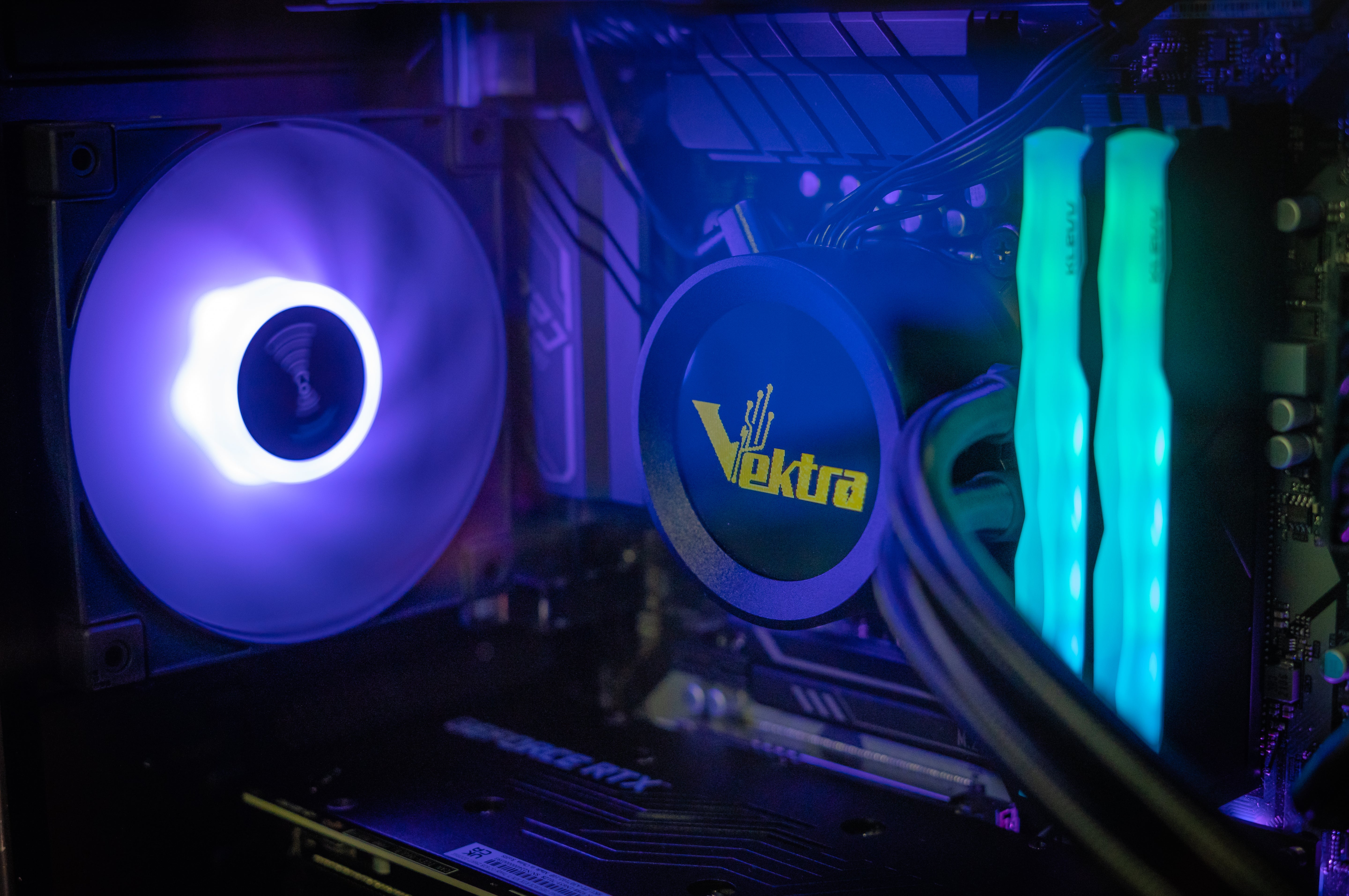
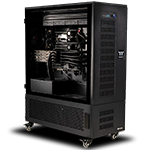
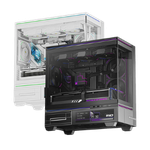
Vektra PC's Nova 9 4K Gaming PC combines the Ryzen 7 9800X3D with an RTX 5080 and is designed specifically around high-end 4K gaming.
If you are looking for a complete system rather than selecting individual components, you can also explore Vektra's Gaming PC collection.
Is the RTX 5080 Worth It for 4K Gaming?
If your goal is high-end 4K gaming, the RTX 5080 is a strong choice.
It gives you the performance required for demanding modern games, while NVIDIA technologies such as DLSS, ray tracing, and Frame Generation provide additional options for balancing image quality and frame rate.
The key is to choose settings based on the game rather than expecting every title to deliver the same FPS. Competitive games can target very high frame rates, while demanding AAA games may benefit more from a combination of high-quality settings, DLSS, and carefully selected ray tracing options.
For gamers building a premium 4K setup, the RTX 5080 is designed to make high-resolution gaming a serious performance target rather than a compromise.
Ready for 4K gaming? Explore the Vektra Nova 9 4K Gaming PC or browse the Vektra Gaming PC collection.