Skip to content

Cart

Your cart is empty

Seasonic MagFlow ARGB 120 mm PWM Case Fan | SS - MF12025L - Vektra Computers LLC

Seasonic

Seasonic MagFlow ARGB 120 mm PWM Case Fan | SS-MF12025L

Sale priceAED343.81 Regular priceAED380.00
Save 10%

Shipping calculated at checkout

SKU: SS-MF12025L
Quantity:
Pickup available at Vektra Computers LLC - Dubai, United Arab Emirates Usually ready in 2-4 days

Seasonic MagFlow ARGB 120 mm PWM Case Fan | SS-MF12025L

Vektra Computers LLC - Dubai, United Arab Emirates

Pickup available, usually ready in 2-4 days

Aspin Commercial Tower
Level 10
Dubai DU
United Arab Emirates

+971586911849

MagFlow ARGB 120 mm

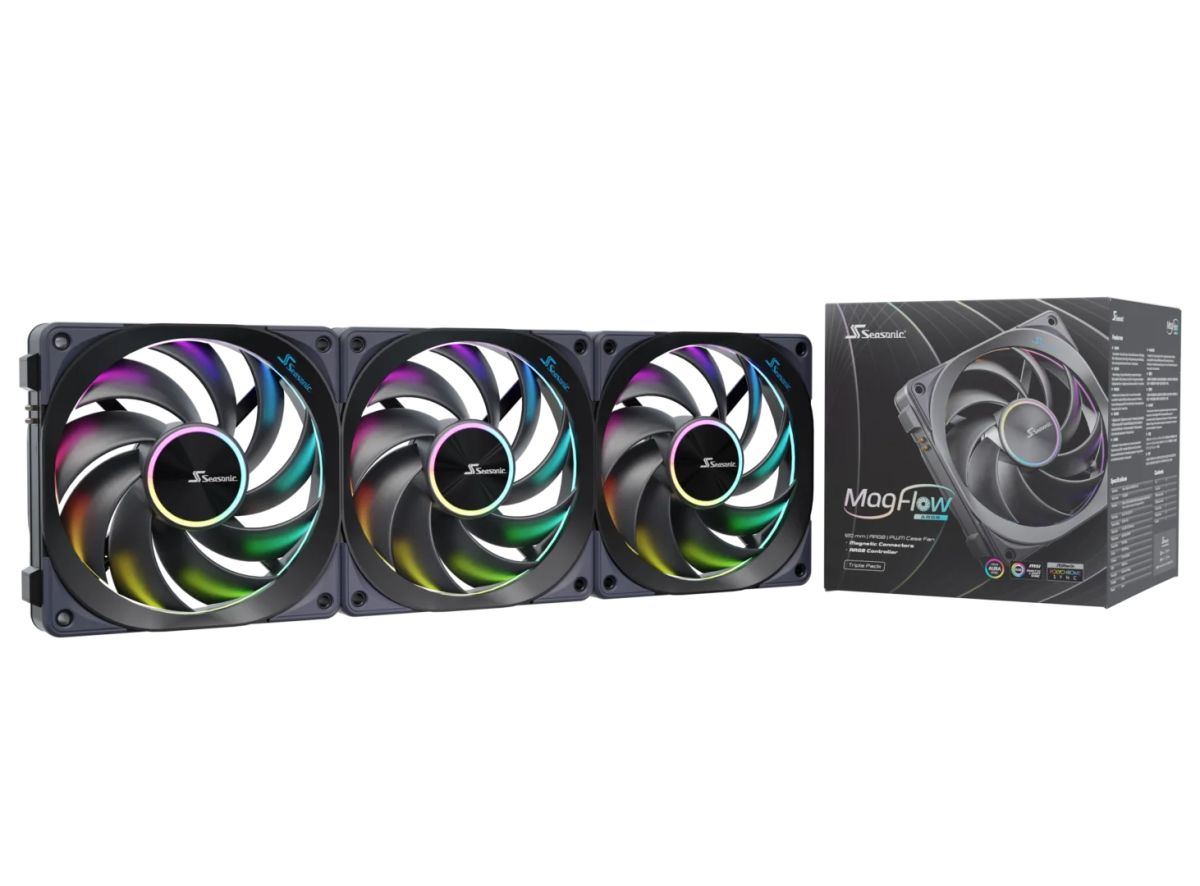
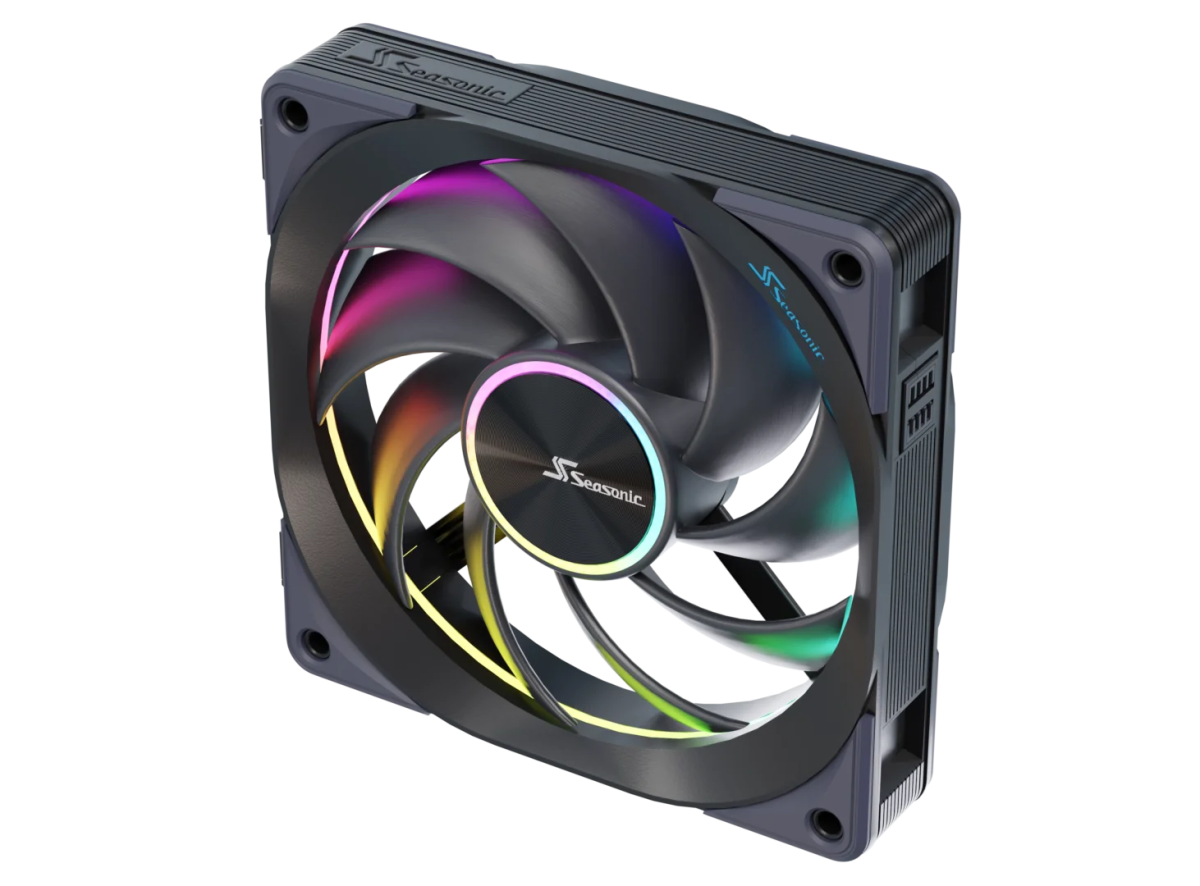
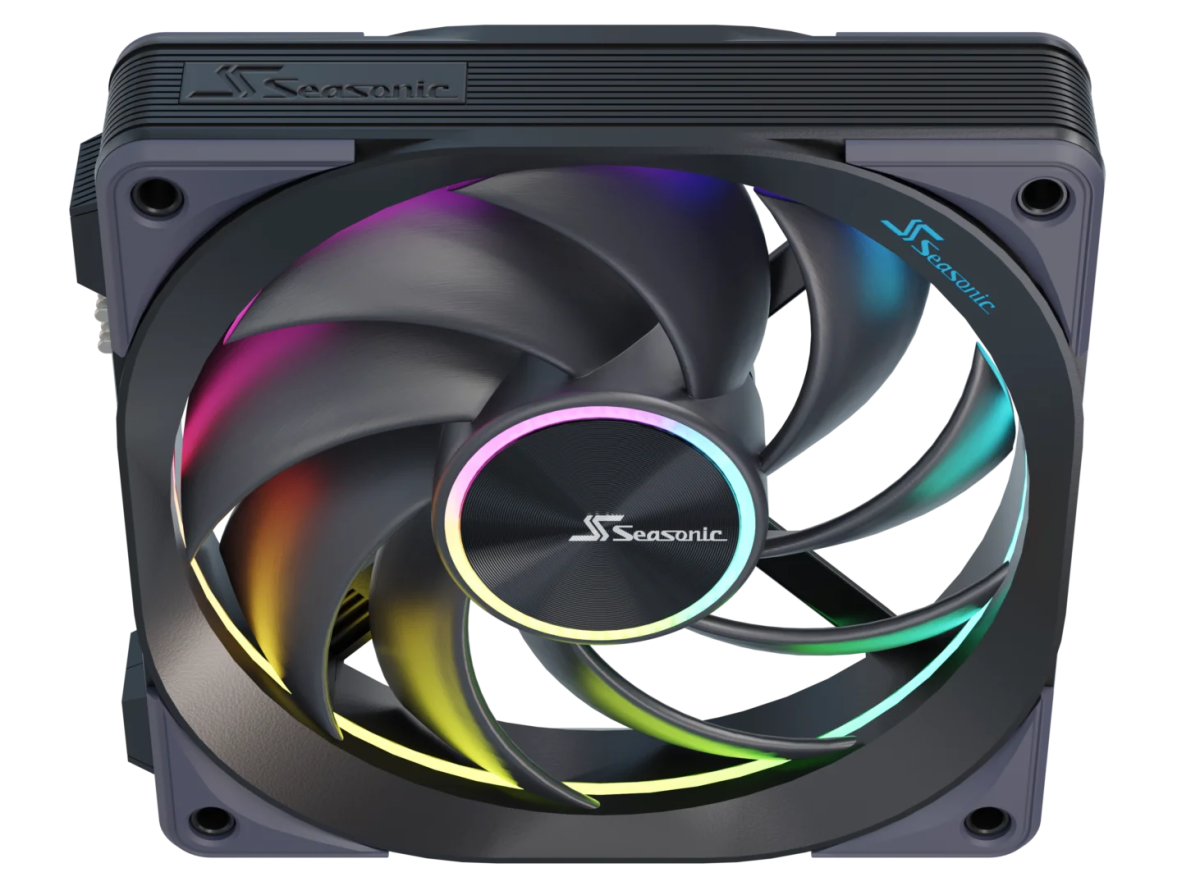
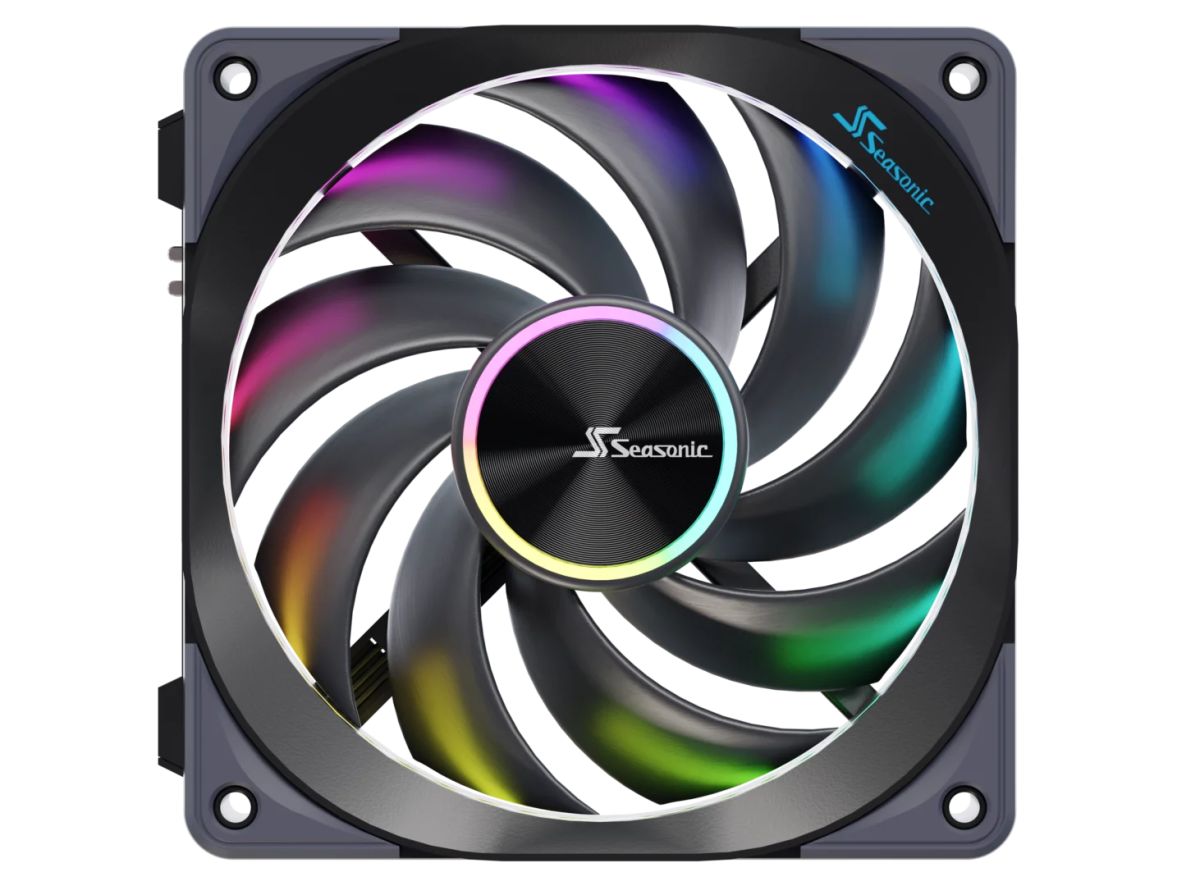
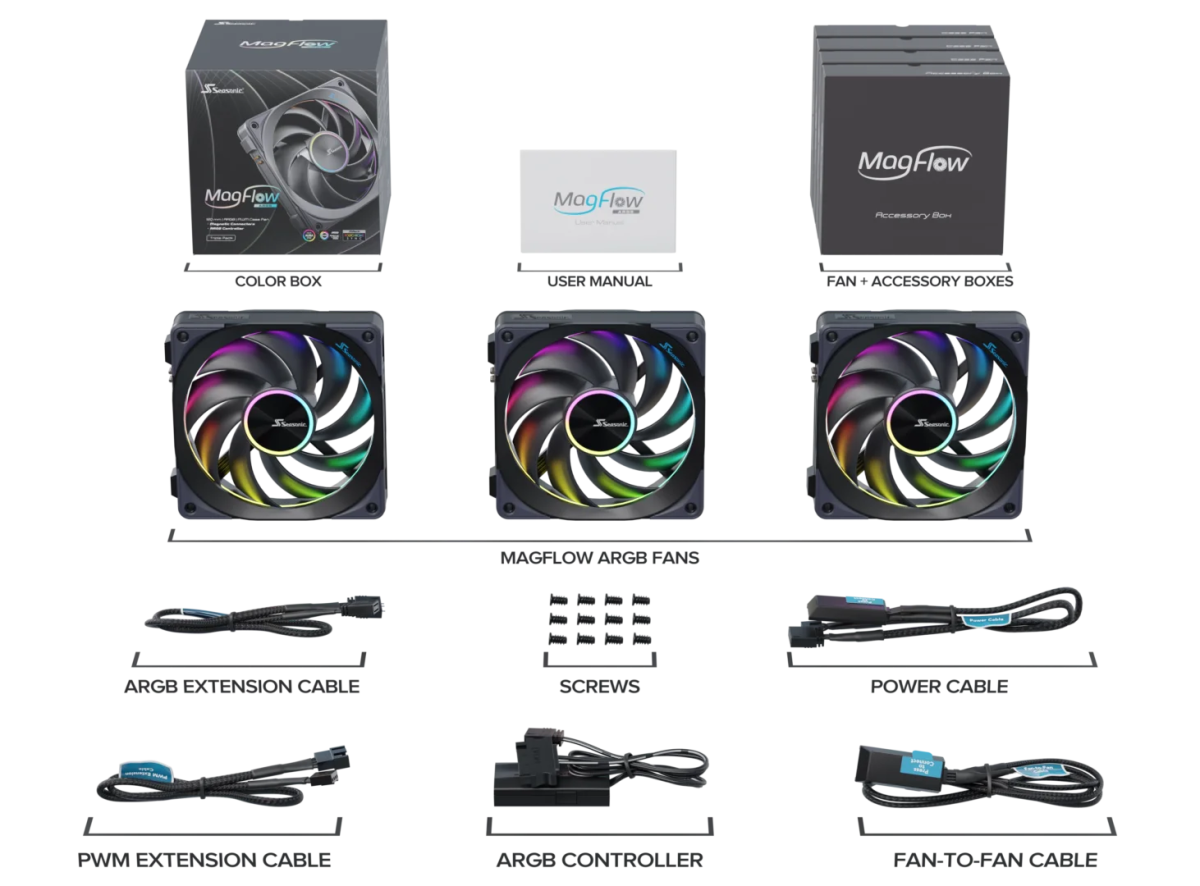
The Seasonic MagFlow ARGB Fan is a novel cooling product in terms of style and functional modularity. Perfectly positioned, built-in magnetic attachment points connect the fan sides easily, pin-to-pin with a snap. Hassle-free installation saves time and enhances the look of the PC by eliminating the need to run cables in between fans.

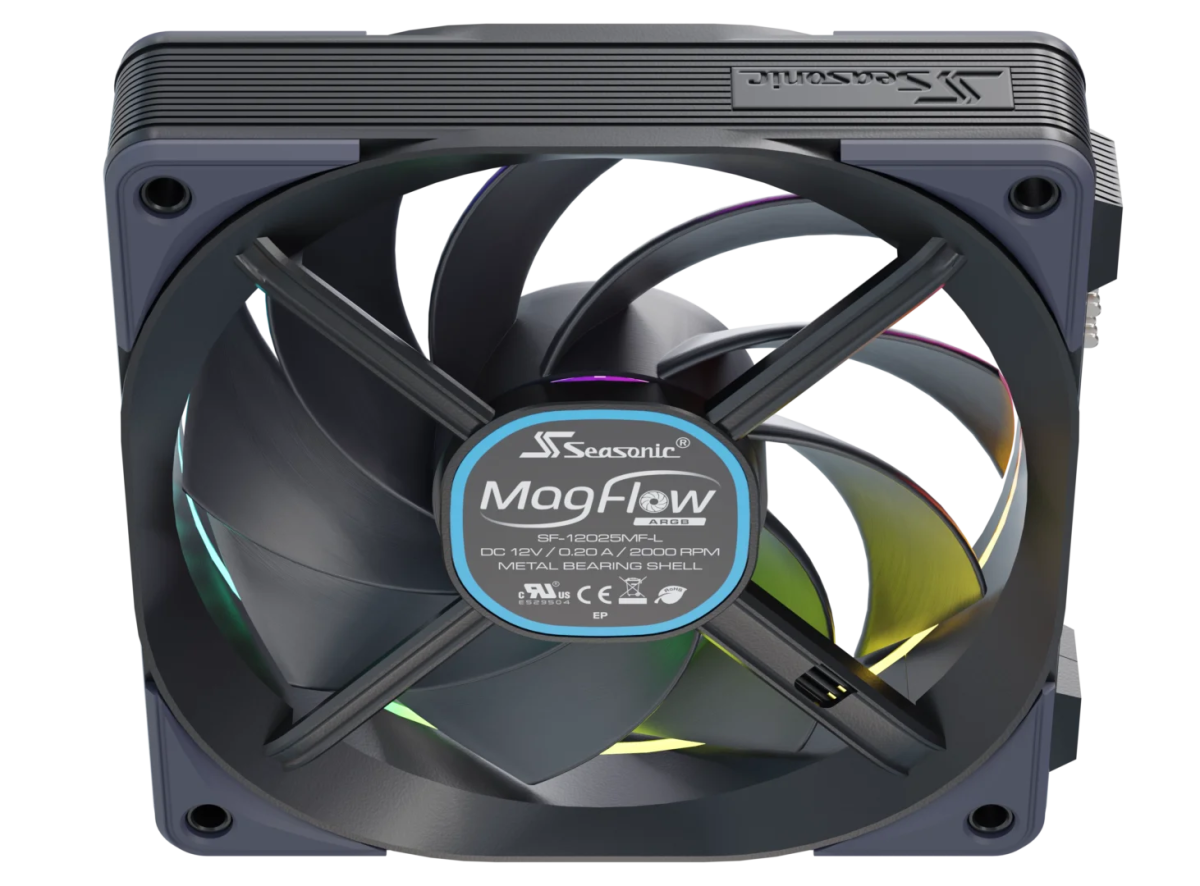
The high-quality feel of the MagFlow fan is achieved by using durable materials and fine aesthetic details. The cables on the back are hidden in an X-style support, while the Seasonic logo on the front harmonizes with the blue color strip on the inner side of the frame. The fan blade features an elegant brushed metallic center medallion with the brand logo.

The exact time to market depends on your location. Please contact your local Seasonic Representative to obtain more information. Thank you.

Daisy Chain Design

Magnetic

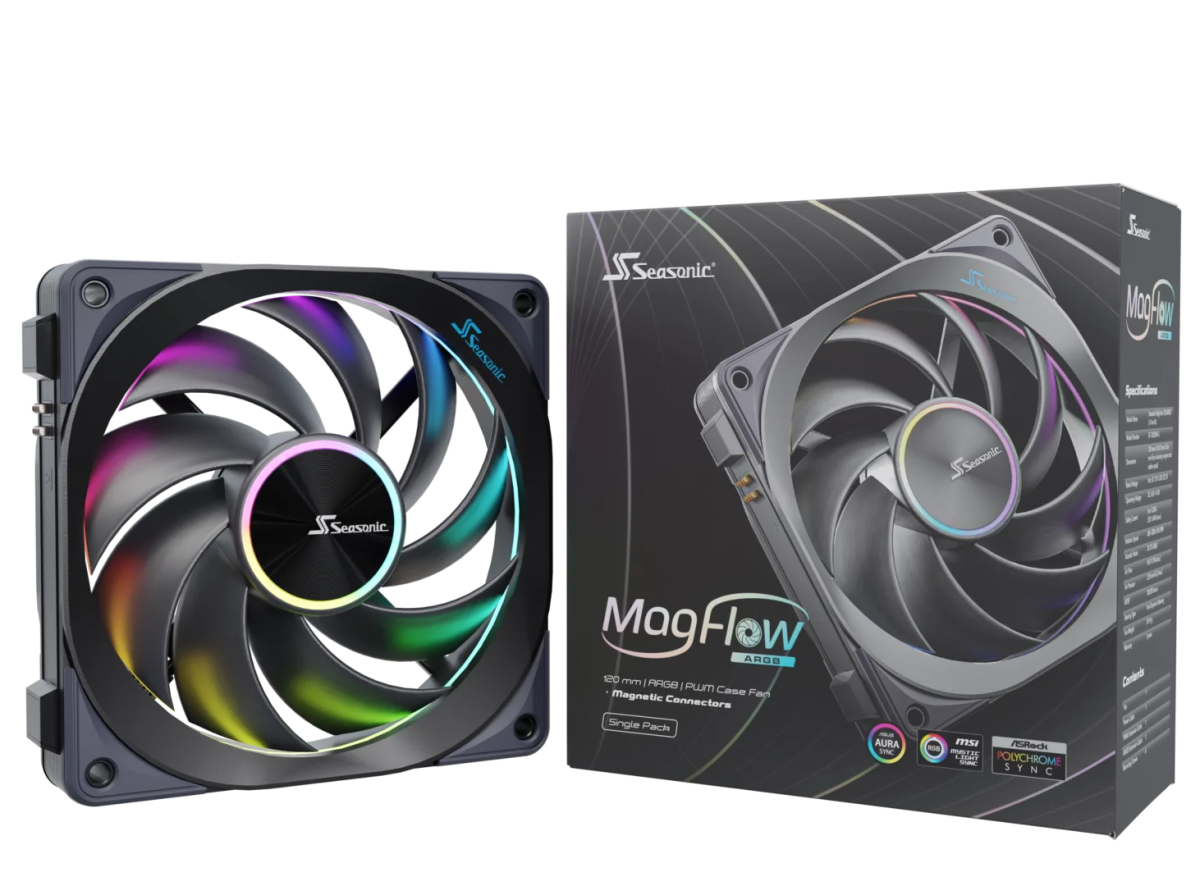
MagFlow-ARGB-light-1-pack-box
1-Pack

Packaging

MagFlow-ARGB-light-label-angled
124.2 mm (L) x 26.6 mm (W) x 120 mm (H)

Dimensions

MagFlow-ARGB-light-3-pack-box
3-Pack

Packaging

3 Years

Warranty

Daisy Chain Design

Individual fans are attached to each other by an interlocking mechanism supported by magnets. This system eliminates the use of wires to make the installation simpler and cleaner.

MagFlow-ARGB-Daisy-Chain

Fluid Dynamic Bearing Fan

The extremely quiet fluid dynamic bearing with its low vibration further reduces blade deflection and has a long life expectancy.

Efficiency and noise are well-balanced by a special 9-blade fan buried into the FDB bearing to increase blade stability, reduce noise, and maximize airflow. Shock absorbing rubber pads on all corners eliminate vibration between the case and the fans.

MagFlow-argb-FDB-fan

Modularity

Regardless of the number of fans to be installed, attaching the cables for power and signal becomes extremely easy and convenient with the magnets. The connectors snap quickly and precisely in place, which greatly simplifies the assembly process.

magflow-argb-modularity

Easy Installation On Top Of The Radiator

After the fans are connected, they can be installed on top of the water-cooling radiator with only four screws, which reduces the time spent on alignment and screw locking.

MagFlow-ARGB-radiator

Interface Description

magflow-argb-controller-1
A. Reset/LED Switch: It can be connected to the case Reset or LED Switch, short press the control button to switch the lighting effect, and long press to switch to the motherboard lighting synchronization mode (short press to switch back to the keyed lighting effect mode).
B. LED Control Button: Short press the controller to switch the lighting effect, and long press to switch to the motherboard lighting effect synchronization mode (short press to switch back to the keyed lighting effect mode).
C. ARGB Port: It can be connected to ARGB peripherals, such as fans, light strips and other devices to achieve synchronization of lighting effects.
D. ARGB Signal Header: It can be connected to the ARGB interface of the motherboard to synchronize the lighting effect of the device with the motherboard (you can only control the lighting effect by pressing the button if this cable is not connected).
E. SATA Connector: Connect this cable to a power supply to provide power to the controller.

Installation Instructions

magflow-argb-controller-2
Connect E to the power supply SATA power cable.
Connect the case Reset or LED Switch to the A port.
Make sure that the device that needs ARGB synchronization is connected to the C interface.
If the ARGB device needs to be synchronized with the motherboard, the D cable must be connected to the ARGB interface of the motherboard, and connected to the chassis control button through A, or B is long pressed to switch to the motherboard lighting synchronization mode.
Both A and B can be long long-pressed to switch to the motherboard lighting effect synchronization mode, and short short-pressed to switch to the keyed lighting effect mode.