
Best Workstation Specifications for Architects, Engineers & BIM Professionals in 2026
Modern architecture and engineering workflows have become far more demanding than ever before. Whether you are designing complex buildings in AutoCAD, developing detailed BIM models in Revit, simulating structures in ANSYS, or creating 3D visualizations in SketchUp or 3ds Max, your system performance directly impacts productivity.
That’s why choosing the best workstation for architects, engineers, and BIM professionals in 2026 is no longer optional—it’s essential.
In this guide, we break down the ideal workstation specifications for CAD, BIM, and engineering software, helping you build a system that stays fast, stable, and future-ready.
Why Architects & Engineers Need a Dedicated Workstation
Unlike gaming PCs, professional workstations are designed for:
-
Large architectural models
-
Heavy BIM projects
-
Engineering simulations
-
Multi-layer CAD drawings
-
Rendering and visualization
-
Multi-software workflows
Applications like Revit, AutoCAD, Civil 3D, SolidWorks, and Navisworks can easily push a standard PC to its limits.
A proper workstation ensures:
✔ Smooth navigation in large models
✔ Faster rendering times
✔ Stable performance under load
✔ Better multitasking across design tools
✔ Reduced crashes during heavy projects
For professionals, even small performance gains translate into significant time savings.
Best CPU for Architecture & BIM Workloads
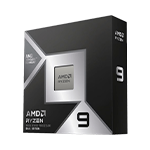
The CPU plays a critical role in modeling, simulation, and rendering tasks.
Architectural and engineering software benefits from:
-
Strong single-core performance (for modeling & drafting)
-
Multi-core performance (for rendering & simulation)
Recommended CPU Range (2026):
-
Intel Core Ultra 5 / Ultra 7 series
-
AMD Ryzen 5 / Ryzen 7 latest generation
For BIM professionals working on large-scale projects, higher-core CPUs help significantly with rendering engines like V-Ray and Enscape.
A balanced modern CPU ensures your workflow stays smooth even when switching between multiple design applications.
GPU Requirements for Architects & Engineers
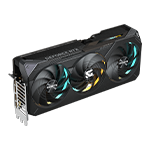
The GPU is often underestimated in engineering workflows, but it plays a major role in:
-
Real-time 3D visualization
-
BIM model navigation
-
Rendering (GPU-based engines)
-
AI-assisted design tools
-
VR walkthroughs
Recommended GPU Tiers:
Entry Level BIM Workloads
-
RTX 4060 / RTX 5060
-
Suitable for AutoCAD, SketchUp, light Revit models
Professional Architecture Workloads
-
RTX 5070 / RTX 5070 Ti
-
Ideal for large BIM projects, rendering, and visualization
High-End Engineering & Simulation
-
RTX 5080
-
Best for heavy rendering, simulations, and complex 3D environments
Modern NVIDIA RTX GPUs are widely used in architecture because of CUDA acceleration and excellent support across creative and engineering software.
RAM: Critical for Large BIM Projects
RAM is one of the most important factors for architects and engineers working with large files.
When working with BIM models, your system needs to handle:
-
Multiple linked files
-
High-resolution textures
-
Point cloud data
-
Simulation datasets
-
Multitasking between software
Recommended RAM:
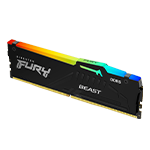
-
16GB DDR5 → Basic CAD and learning
-
32GB DDR5 → Professional architecture & BIM standard
-
64GB DDR5+ → Large-scale engineering projects
For most professionals, 32GB DDR5 is the minimum recommended standard in 2026.
Storage: Speed Matters More Than Size
Architecture and engineering projects involve massive file sizes:
-
BIM models
-
CAD drawings
-
Render outputs
-
Simulation data
-
Project backups
A slow drive can significantly delay workflow.
Recommended Storage Setup:
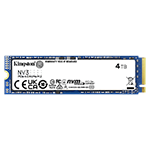
-
1TB NVMe SSD (minimum)
-
2TB NVMe SSD (recommended for professionals)
PCIe Gen4 SSDs dramatically improve:
-
File opening speed
-
Project loading time
-
Software responsiveness
-
Export and rendering speed
For professionals handling multiple projects, faster storage is just as important as CPU power.
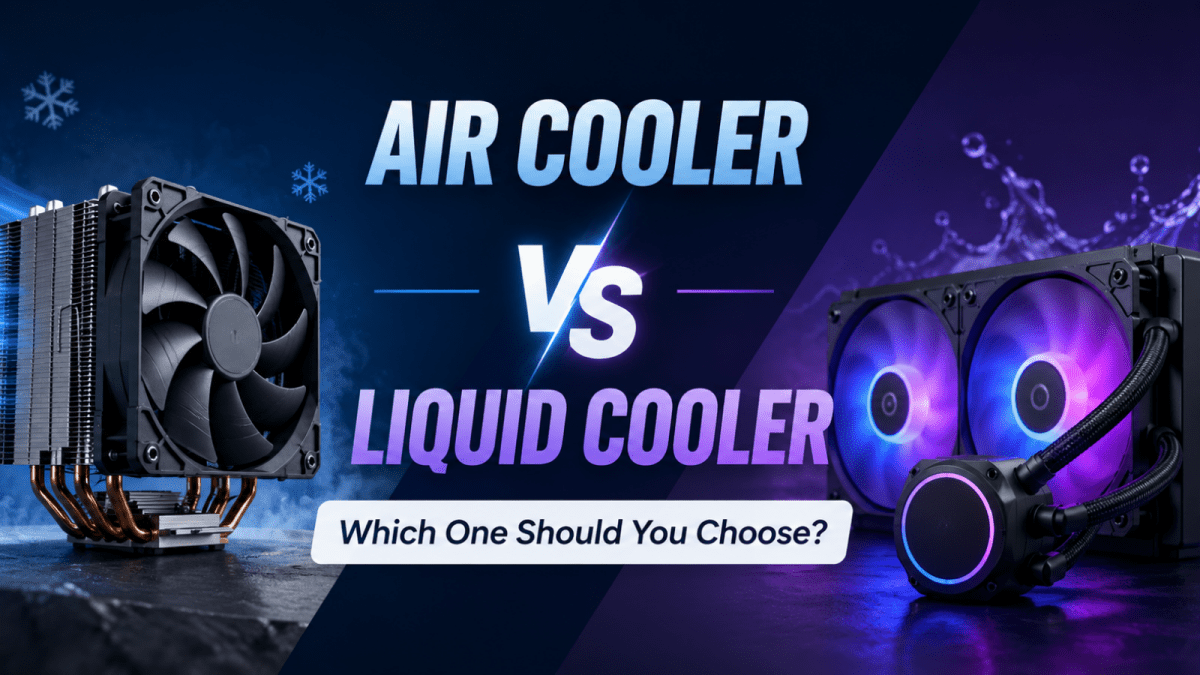
Cooling & Stability for Long Work Sessions
Engineering and architectural workflows often involve long hours of sustained CPU and GPU load.
Tasks like rendering or simulation can run for extended periods, making thermal stability essential.
A good cooling solution ensures:
-
Stable performance during long renders
-
Lower system temperatures
-
Reduced thermal throttling
-
Longer hardware lifespan
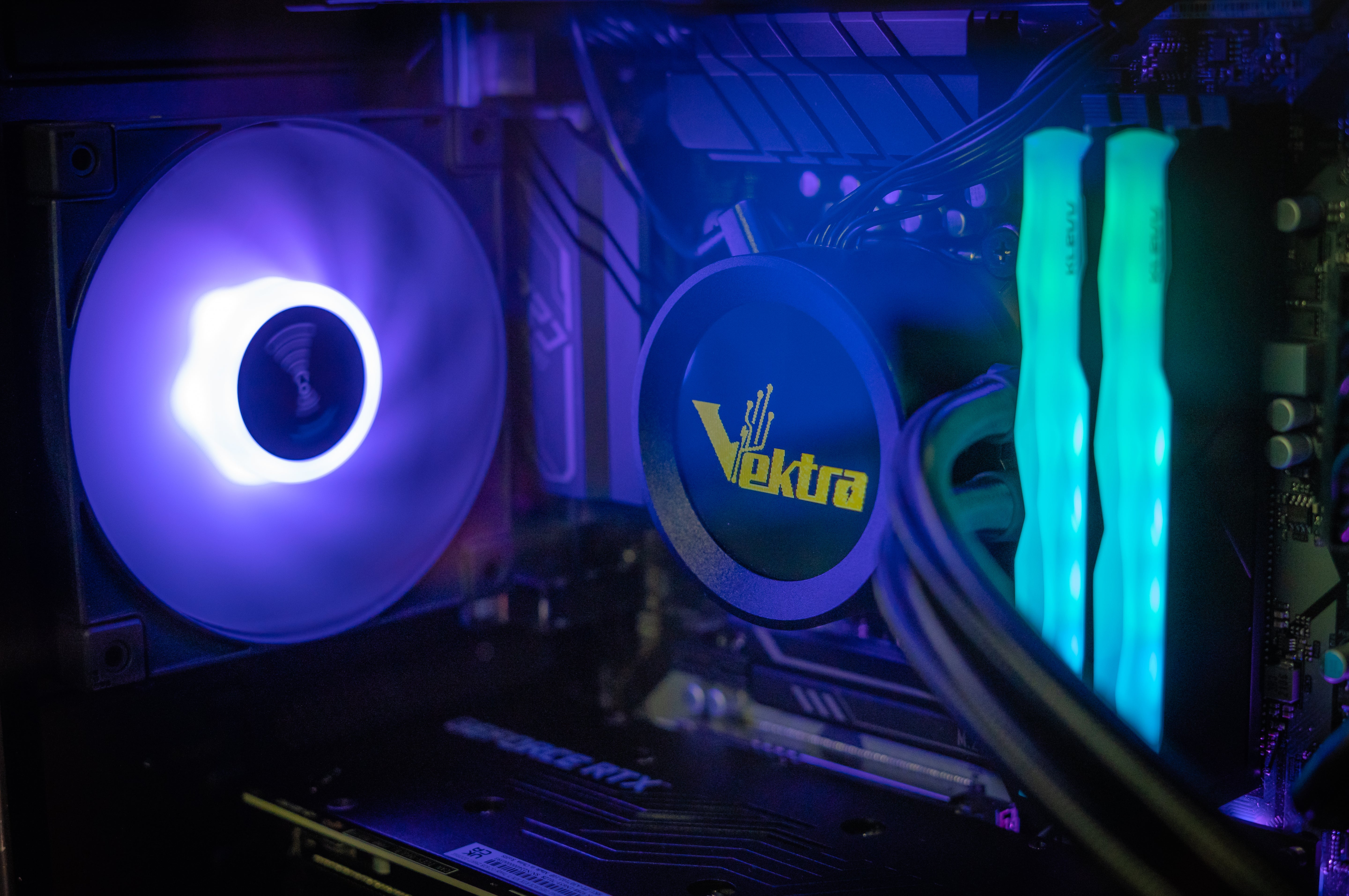
Both high-performance air coolers and AIO liquid cooling systems are suitable depending on workload intensity.
Workstation Motherboard Importance
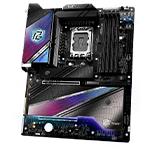
The motherboard is often overlooked, but for professionals it ensures:
-
System stability
-
Expansion support
-
Fast connectivity
-
Compatibility with high-performance CPUs and RAM
Reliable boards from ASUS and ASRock are commonly used in professional workstation builds due to their stability and feature sets.
Example Ideal Workstation Specification (2026)
A balanced architecture and BIM workstation should include:
-
CPU: Intel Core Ultra 7 / Ryzen 7
-
GPU: RTX 5070 / 5070 Ti
-
RAM: 32GB DDR5
-
Storage: 1TB–2TB NVMe SSD
-
Motherboard: ASUS / ASRock workstation-grade board
-
Cooling: Air or AIO liquid cooling
-
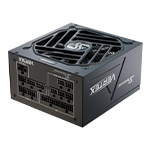
PSU: 650W–750W reliable unit
This configuration ensures smooth performance across CAD, BIM, rendering, and simulation workflows.
Vektra Professional Workstations for Architects & Engineers
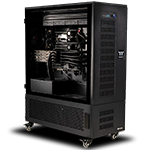
At Vektra, we design high-performance professional workstation PCs in the UAE tailored specifically for architects, engineers, and BIM professionals.
Our systems are optimized for:
-
AutoCAD drafting
-
Revit BIM modeling
-
SketchUp visualization
-
3D rendering workflows
-
Engineering simulations
-
Architectural visualization
👉 Explore Professional Workstations:
https://www.vektrapc.com/collections/professional-workstations
Each system is carefully built to deliver stability, performance, and scalability for demanding professional workloads.
Final Thoughts
The best workstation for architects, engineers, and BIM professionals in 2026 is not just about raw power—it’s about balance.
A strong CPU, capable RTX GPU, sufficient RAM, fast NVMe storage, and reliable cooling all work together to ensure smooth, uninterrupted productivity.
Investing in the right workstation means:
✔ Faster project completion
✔ Smoother modeling experience
✔ Less downtime
✔ Better rendering performance
✔ Higher productivity